PhotoCraft: A Clean-Room, Open-Source Photoshop Rebuilt in Pure Rust
Photoshop is the default for serious image editing, but it comes with a subscription and an account. PhotoCraft takes a different route: a native photo editor written from scratch in Rust that you can download, run offline, and keep. The project has more than 80,000 stars on GitHub and is dual-licensed under MIT or Apache-2.0.
What it is
PhotoCraft describes itself as "an open-source, clean-room reimplementation of Adobe Photoshop, rebuilt in pure Rust." It's built by the team behind ArtCraft and was implemented from public specs and observed behavior only, with no proprietary code, shaders, or assets. The menus, shortcuts, and panels sit where Photoshop users expect them. The project is still labeled early alpha.
Key features
- Real PSD files. Open, edit, and save layered Photoshop documents. Re-saving keeps the render of 307 of the 309 psd-tools test files.
- Layers, done properly. Groups, clipping masks, pixel and vector masks, smart objects with smart filters, and 27 Photoshop blend modes.
- Non-destructive editing. 16 adjustment layers, including Curves, Levels, and Selective Color, plus live layer styles like Drop Shadow and Bevel & Emboss.
- 70 tools. Selections including Select Subject (run locally, with no cloud and no account), healing and clone tools, a full brush engine, pens, shapes, and editable type.
- Native and fast. A GPU compositor on wgpu (Metal, Vulkan, DX12, WebGPU) with multithreaded filters. No Electron and no web view.
- Agent-ready. More than 500 commands power the UI, a CLI, a JSON control channel, and an MCP server, so scripts and AI agents can do anything you can click.
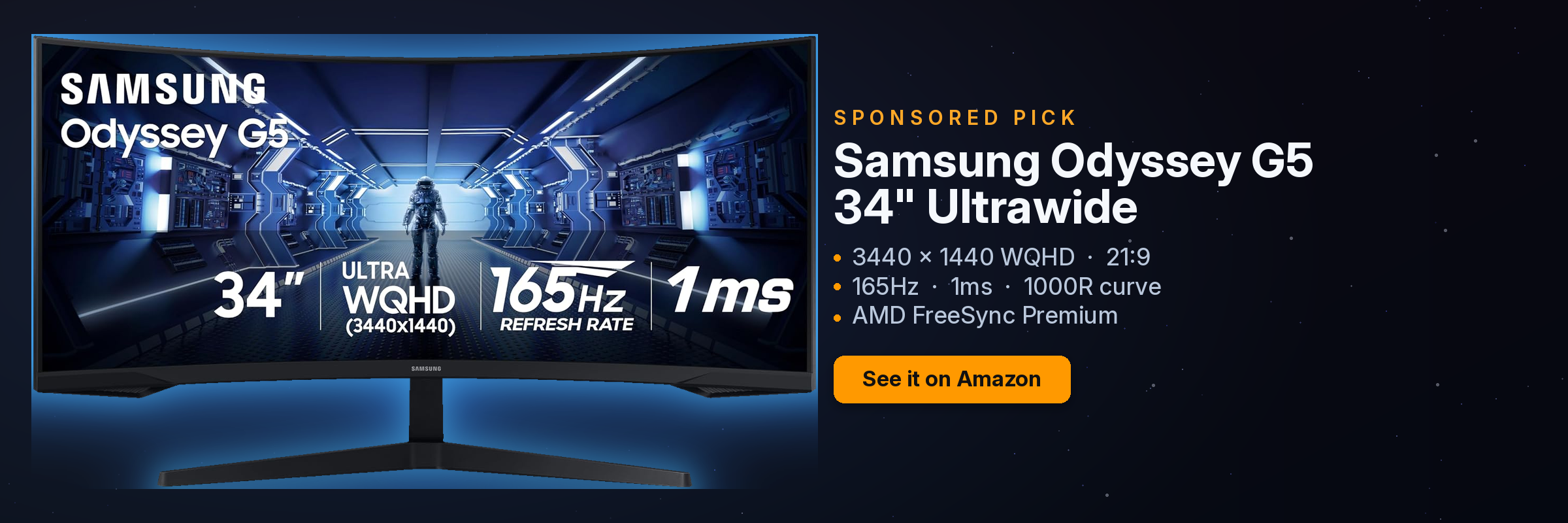
As an Amazon Associate I earn from qualifying purchases.
Why it matters
Open-source image editors have long asked Photoshop users to relearn everything. PhotoCraft aims for muscle-memory compatibility and real PSD round trips instead, and the whole engine and UI also compile to WebAssembly to run in a browser. It's a good fit for designers and photographers who want to leave a subscription behind, Linux users who've missed Photoshop, and developers who want to batch-edit images or let an agent drive an editor headlessly.
Getting started
The easiest way to install it is from the PhotoCraft page on getartcraft.com. Builds for Windows, macOS, Linux (AppImage, Flatpak, .deb, .rpm, tarball), FreeBSD, and the web are attached to each GitHub release. To build from source, clone the repo and run cargo run --release -p photocraft.
View the repo on GitHub: github.com/storytold/photocraft
getartcraft.com/apps/photocraft | All ArtCraft apps | Discord